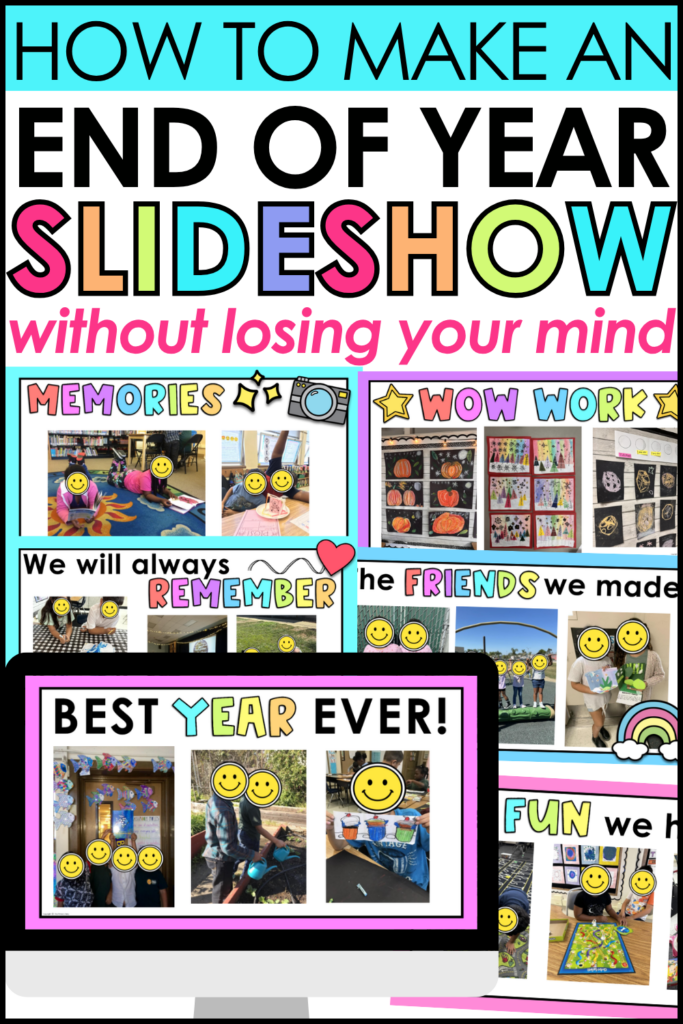
How to Make an End of the Year Slideshow (The Easy Way)
Learning how to make an end of the year slideshow does not have to be a 3-hour Pinterest rabbit hole. In fact, with the right plan, you can pull together something genuinely beautiful without sacrificing your sanity or your precious prep time.
Ready to actually get your end of year slideshow done? Here is a straightforward process that works even when you are running on coffee fumes and good intentions. Let’s break it all down
Why an End of the Year Slideshow Is Worth It
First, let’s talk about why you even want to do this. Because honestly, if it were not worth it, we would all skip it.
An end of the year slideshow is one of those things that students remember forever. It captures who they were in this specific grade, with these specific friends, in your specific classroom.
Beyond the sentimental value, a slideshow also gives you a built-in activity for those last few days when keeping everyone engaged feels like herding cats. Pop it on the projector during your end-of-year party, and suddenly you have five to ten minutes of sweet, focused magic.
Bottom line: it is absolutely worth it. And when you have a solid system, it does not have to eat up your time.
How to Make an End of the Year Slideshow for Elementary Teachers
Ready to actually get this done? Here is a straightforward process that works even when you are running on coffee fumes and good intentions.
Step 1: Gather Your Throughout the Year
The biggest mistake teachers make is waiting until May to think about photos. By then, you are scrambling to find pictures from September and praying that your phone backup did not fail you.
Instead, try this:
- Create a photo folder at the start of the year (Google Drive works great)
- Add photos throughout the year during centers, field trips, read alouds, science experiments, and special events
- You do not need hundreds. Even 30 photos will make a beautiful slideshow
Simple, consistent, and way less stressful than a May panic session.
Step 2: Choose Your Platform
There are a few different tools teachers use to build slideshows. Here is a quick breakdown:
- Google Slides: Free, easy to share, works on any device. A solid go-to for most teachers.
- PowerPoint: Great if you are already in the Microsoft ecosystem.
- Canva: Beautiful templates, but can feel clunky when adding lots of photos.
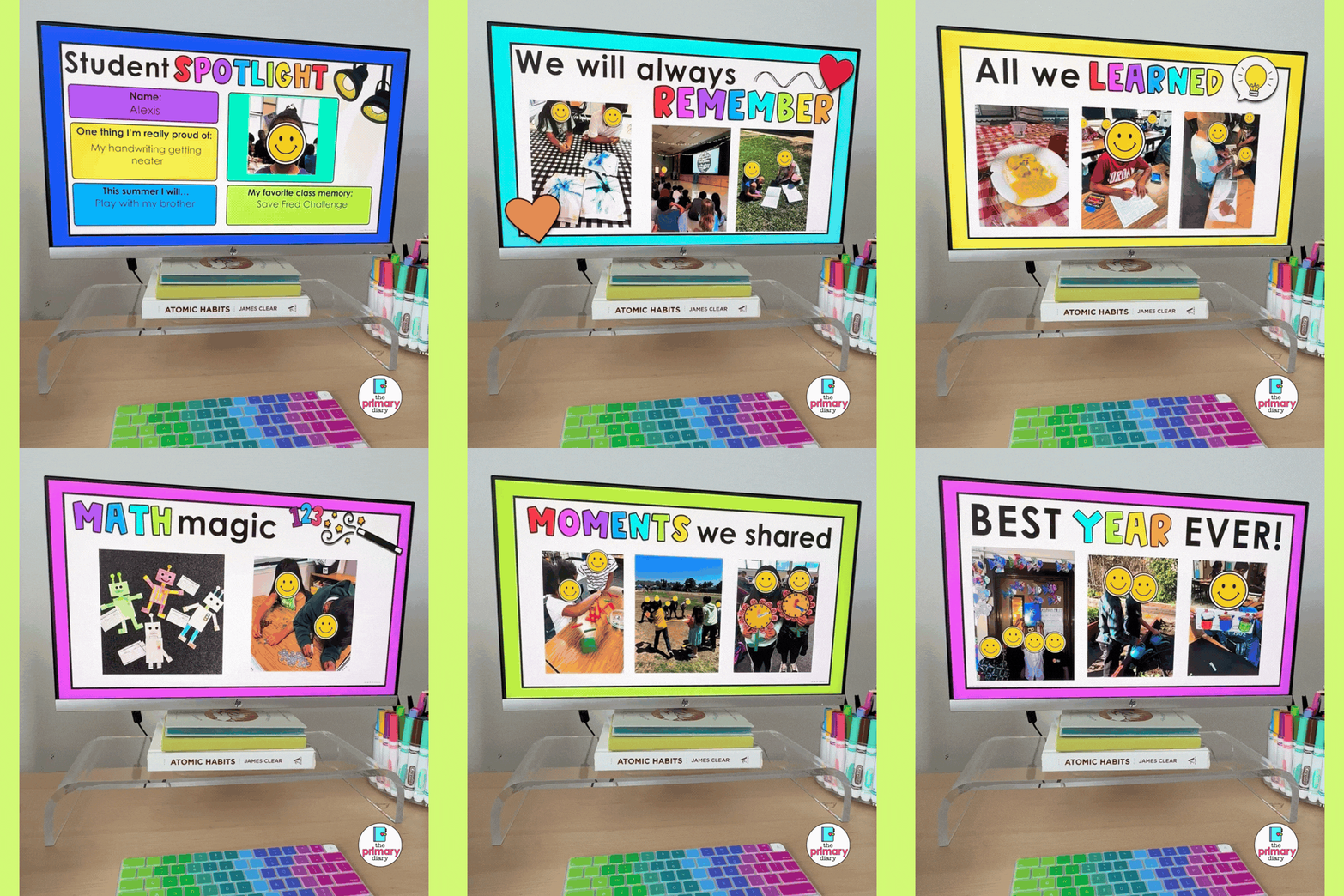
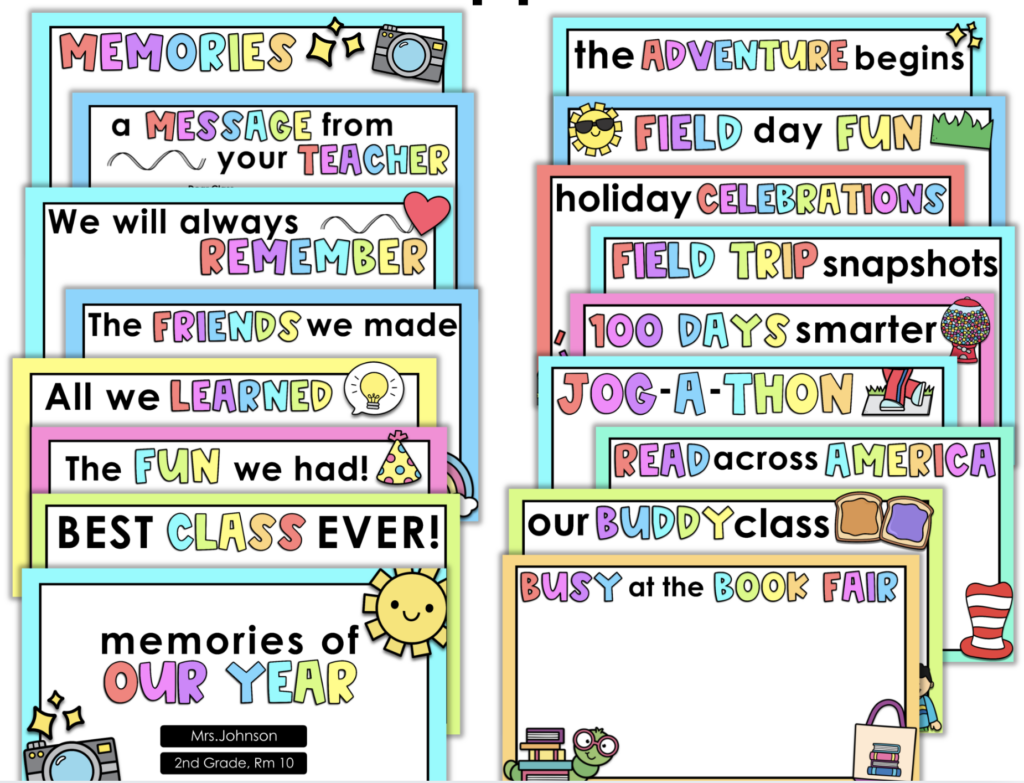
If you want the fastest option that still looks polished and professional, a pre-made template is genuinely a game changer. My End of the Year Slideshow Template is built in both Google Slides and PowerPoint. All you do is drop in your photos, and you are done. No design skills needed. No starting from scratch. Just a cute, ready-to-go slideshow that looks like you spent hours on it (you did not).
Step 3: Add Text That Feels Personal
A end of the year slideshow full of only photos is sweet, but adding thoughtful text takes it to the next level. Here are some ideas for what to include:
- The month or season on each slide
- A short memory caption
- The school year and grade level on the title slide so it doubles as a keepsake
- Meaningful quotes about learning, growing, and friendship
Not sure what to write? This is actually one of my favorite things about my End of the Year Slideshow Template. The messaging and end of year quotes are already done for you. They are heartfelt, age-appropriate, and save you from staring at a blank text box trying to think of something meaningful at 9pm in May.
Keep your text minimal so it does not compete with your photos. A line or two per slide is plenty.
Step 4: Preview Before the Big Day
Do not skip this step! Watch the whole slideshow from start to finish at least once before you show it to your class.
Check for:
- Photos in the right order
- Any typos or blank slides
- Every student being represented in some way!
Trust me, a quick ten-minute preview saves you from a lot of awkward “hold on, one sec” moments in front of your class.
Best Songs for an End of the Year Slideshow
The best songs for an end of the year slideshow hit that sweet spot between upbeat and nostalgic without being so sad that you end up ugly crying in front of twenty-five seven-year-olds.
A quick note on music: rather than embedding audio directly into your slideshow file (which can get glitchy and unreliable), just play your chosen song from a separate device or tab while the slideshow runs. Simple, smooth, and way less stressful.
For a happy, upbeat vibe:
- “Good Riddance (Time of Your Life)” by Green Day
- “Count on Me” by Bruno Mars
- “Hall of Fame” by The Script
- “Brave” by Sara Bareilles
- “On Top of the World” by Imagine Dragons
Something a little more emotional:
- “Forever Young” by Alphaville
- “You’ve Got a Friend in Me” by Randy Newman
- “Lean on Me” by Bill Withers
For something current the kids will recognize:
- “Golden Hour” by JVKE
- “As It Was” by Harry Styles
A few quick tips:
- Keep it school appropriate (obviously)
- Match the energy to the tone you want
- When in doubt, a classic beats a trending audio every time.
A Few Extra Tips to Make Your Slideshow Extra Special
Now that you have the basics down, here are a few bonus ideas that take a good slideshow from sweet to absolutely unforgettable.
- Add a “then and now” moment. If you took first-day-of-school photos, include one at the beginning and one from later in the year. The growth is wild and the kids absolutely love seeing how much they have changed.
- Include a slide for each student. If you have time, a quick individual slide with each child’s photo and their name is a major hit. Parents screenshot these and save them forever.
- Use consistent transitions. Nothing makes a slideshow look more polished than consistent, simple transitions between slides. A simple fade or push is clean and professional.
Save Time With a Ready-Made Slideshow Template
If reading all of this made you tired, I completely understand. May is exhausting, and the last thing you need is another project to build from scratch.
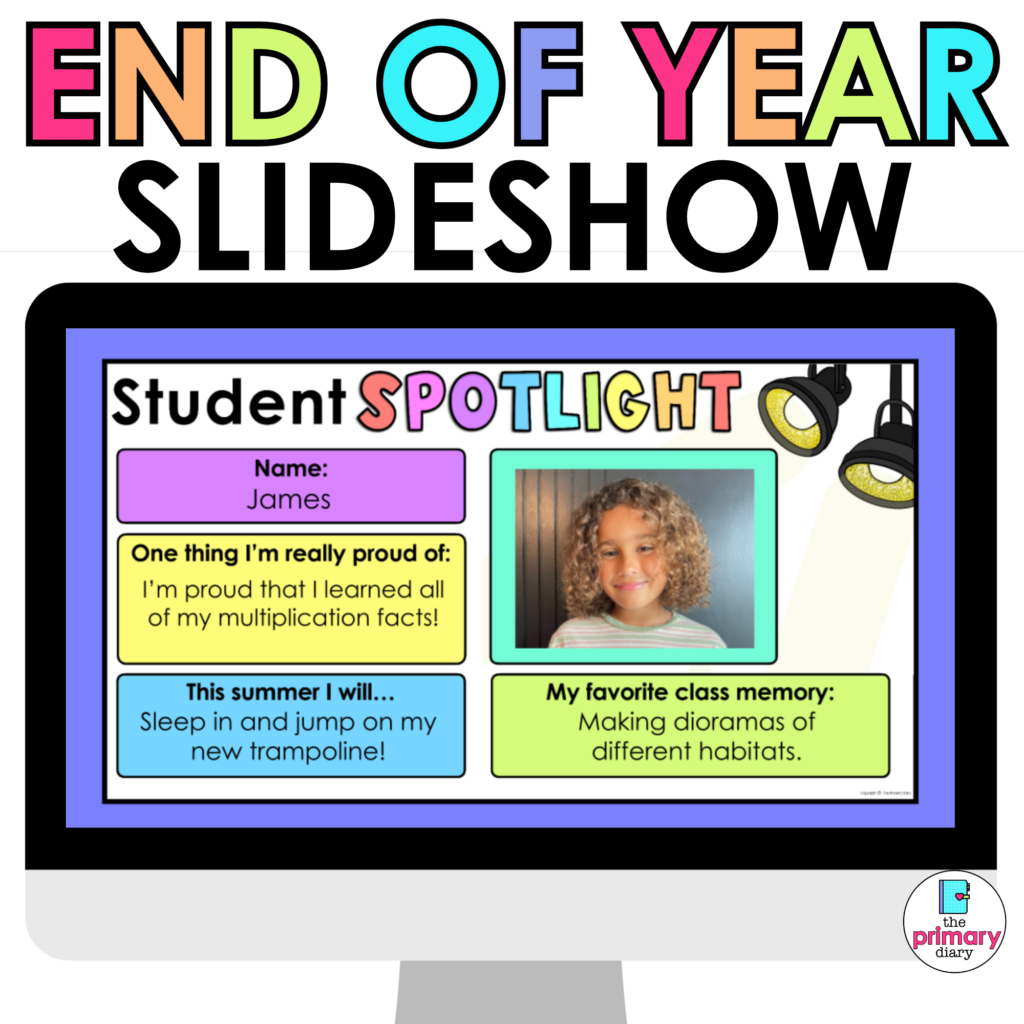
That is exactly why I created my End of the Year Slideshow Template. It is a done-for-you Google Slides and PowerPoint template designed specifically for elementary teachers.
Here is what makes it worth grabbing:
- All layouts are already built and designed. Just drop in your photos.
- Heartfelt end of year quotes and messaging are already written for you.
- Works in both Google Slides and PowerPoint.
- Looks polished and professional without any design skills required.
Teachers who have used it say it was one of the best time-saving purchases they made all year. And in May, time is the most precious thing you have.
You can grab it right here on TPT and have your slideshow done before the week is over.
You’ve Got This, Teacher
The end of the year is bittersweet, busy, and honestly kind of magical all at once. Taking the time to put together an end of the year slideshow for your class is one of those small things that leaves a huge impression.
Now that you know exactly how to make an end of the year slideshow from start to finish, including the best songs for an end of the year slideshow to get those happy tears flowing, you are completely ready to pull it off.
Go make something your kiddos will remember. You deserve to enjoy these last few weeks just as much as they do.
Don’t miss The 5 BEST End of the year ideas for elementary classrooms! Read it here.